
How to order filament
Need more filament? Place your order in FabOne!
1. Log into FabOne
2. Scroll to the bottom of the home page, and click "order" under Filament. 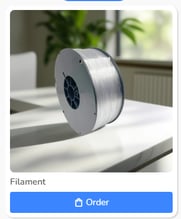
3. Click "Next" until the order form opens.
4. Fill out a PO# (any number you'd like) and your delivery method.


5. Select your printer type to see which types of filament are available for your machine.
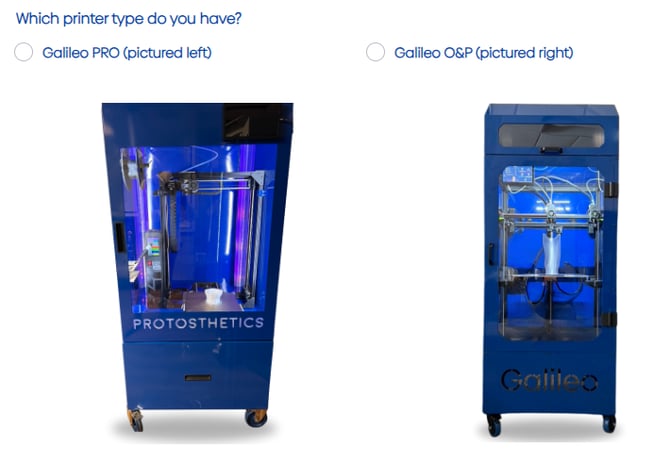
Galileo Pro 1.0 Filament Options
- PETG (Check Sockets) - $125/4.5kg roll
- TPU Cheetah (Flexible Inners & Cosmetic Covers) - $120/2kg roll
- Choose your TPU Cheetah color: black, white, gray, blue
Galileo O&P Filament Options
- PETG (Check Sockets & Support for AFOs) - $125/4.5kg roll
- PC Blend (AFOs & Prepatory Sockets) - $140/2kg roll
- If using PC Blend to print Prepatory Sockets, you'll also need to order Magigoo glue to apply to the bed before printing.
- TPU Cheetah (Flexible Inners, Cosmetic Covers, and Functional FOs) - $120/2kg roll
- Choose your TPU Cheetah color: black, white, gray, blue
- TPU Varioshore (Accommodative Foot Orthotics) - $170/2kg roll