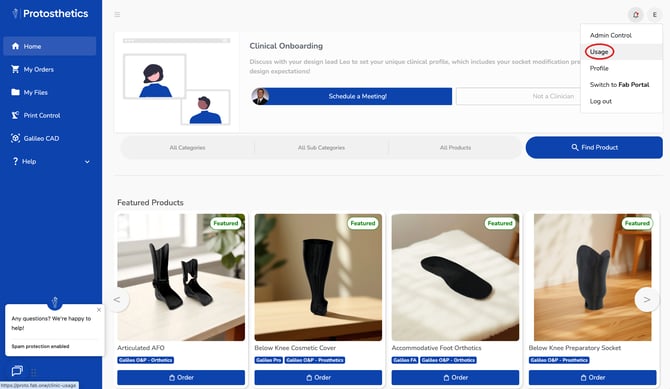
-
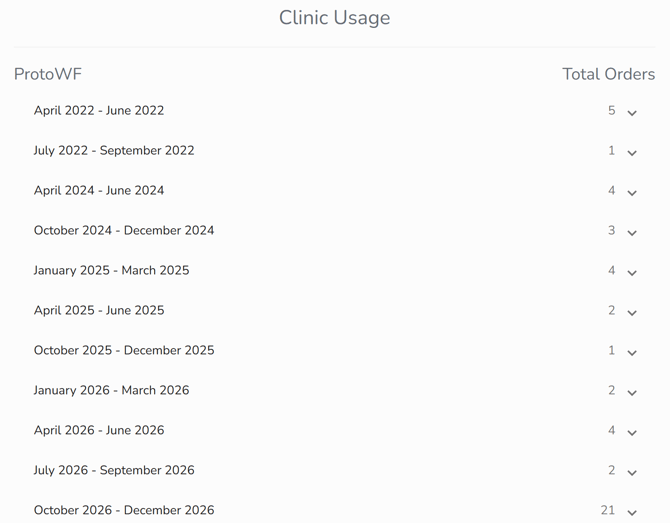
Orders are broken down by calendar quarter to align with the billing cycle.
-
Click into any quarter to see orders by month.
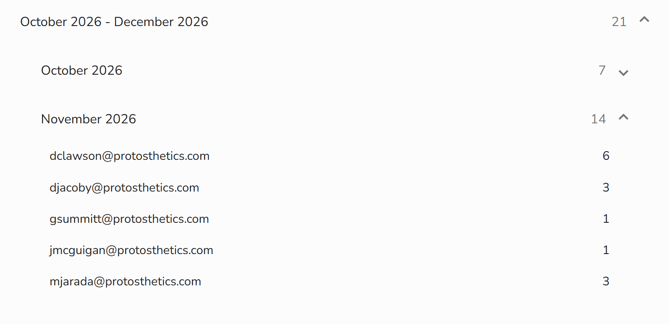
- Click into the month to see each user's order volume in that month

Orders are broken down by calendar quarter to align with the billing cycle.
Click into any quarter to see orders by month.