
How to Unclog the Nozzle
Tools Needed:
- 1/2 Stick of 3D Clean 1.75
- 2.5mm Hex Key
- 2mm Hex Key
- 1.5mm Hex Key
- 1.3mm Hex Key
Unclog Steps - Hex Key Troubleshooting
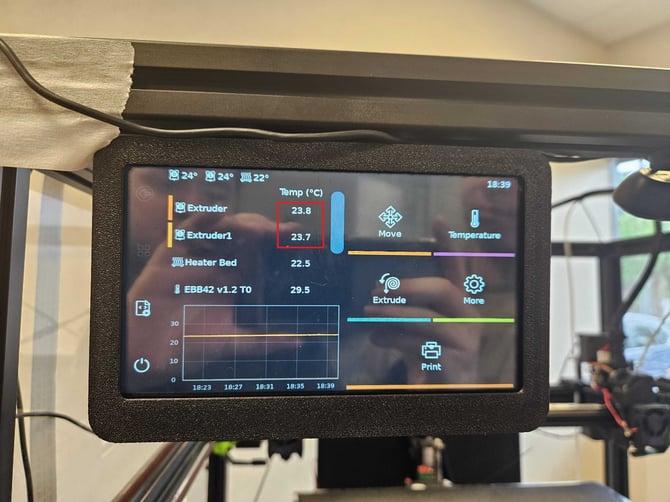
- On the Main Screen, select the name of the toolhead, then select the nozzle icon to the right.
- Input 240 and select the Check at the bottom.
- After the nozzle heats up, look at the guide tube going into the toolhead. Pushing the Black Ring around the tube will release the tube from the toolhead.
- Pull the Filament from the nozzle, Push the Silver Tension Lever all the way to the left, then CAREFULLY push the 1.5mm Hex Key through the top of the extruder.
- Carefully continue pushing until you see filament extruding from the nozzle. After extruding about a cm, attempt to reload filament.
If the toolhead doesn't load filament after attempting the Hex Key troubleshooting, let our customer service team know over chat, or email:
Chat: Through FabOne
Email: success@protosthetics.com