
Supplies:
- Large roll of wrapping foam
- Plastic wrap
- Two pieces of foam for the printer bed
- One piece of foam for the printer toolhead
- Masking tape
Note: Take pictures of the kiosk packaging inside and out, and send them to us. This will ensure you are not liable for any damages that may occur during shipping.
Procedure:
1. Begin by unplugging all of the cords and shutting off the printer.
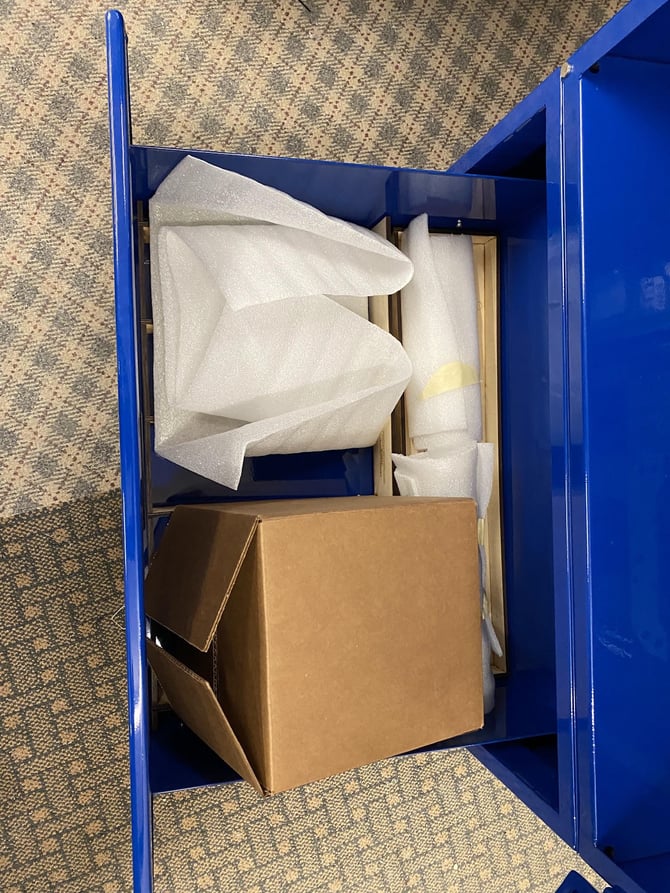
2. Next wrap all loose pieces in foam and place in the bottom drawer
- Filament holder handle
- Filament rolls
- Extra beds, or toolheads
- Tools, tablets, and additional parts
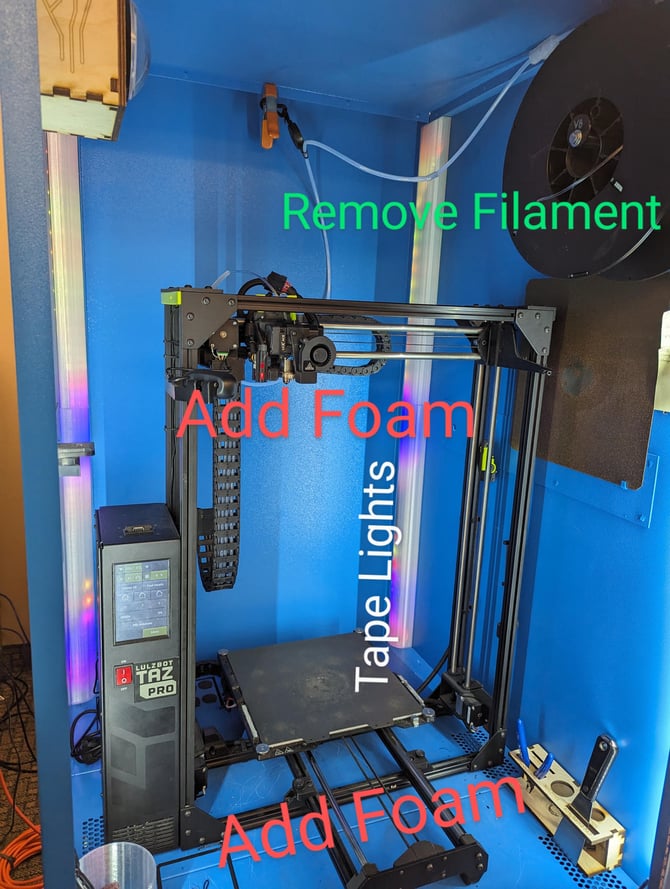
3. On the inside, there are a few places you need to secure:
- Tape down the LED lights in the back.
- Pack foam around the toolhead to prevent it from moving.
- Pack foam around the bed to prevent it from moving backwards and forwards.
- Remove the filament roll and the filament handle from inside the kiosk. You can put those in the drawer.
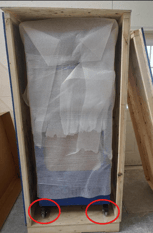
4. Wrap the kiosk in in a layer of cardboard or a layer of foam to protect from dents and scratches. Then, wrap it again with plastic wrap to keep the foam secured in place.
Inside Example: Outside Example (Secure with foam or cardboard):
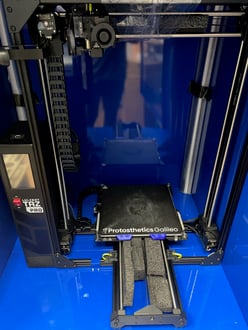
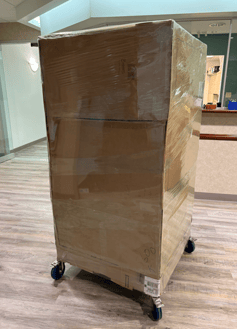
Note: If you're sending it back inside a crate, be sure to lock the wheels!
Thank you!