
Step 1: Remove the Flex Plate from the Print Bed:
- Locate the Tabs on the Bed's Flex Plate
- Lift from the Tabs on the Bed
| Galileo Pro | Galieo O&P or Galileo FO |
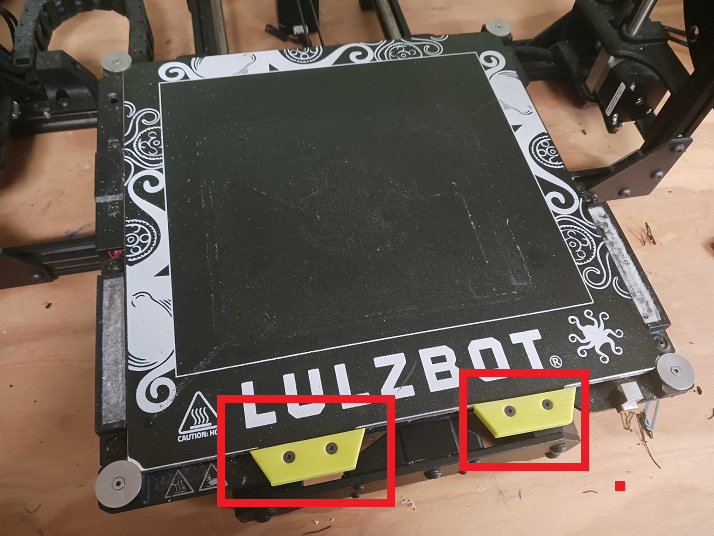 |
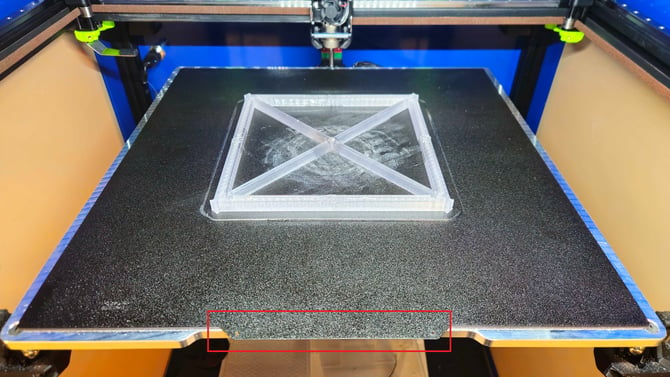 |
Step 2: Lightly Flex the Bed Plate
- Grab the sides of the Flex Plate and gently bend it in multiple directions.
- PETG Prints should pop off the Bed
- TPU Prints will be loosened from the Bed
| Flex Up | 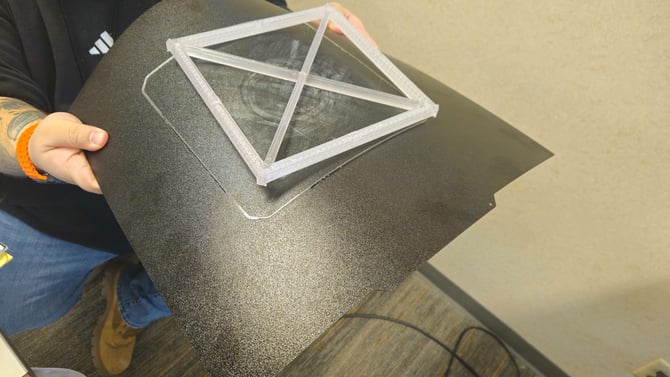 |
| Flex Down | 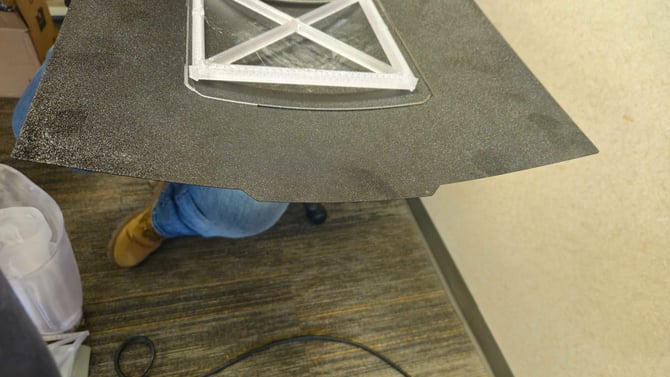 |
Step 3: Use the Scraper for the Stubborn Prints
- Carefully use the corner of the scraper to lift the print off the bed
- DO NOT SCRAPE THE BED!!! The textured surface is what the print adheres to.
| Corner | 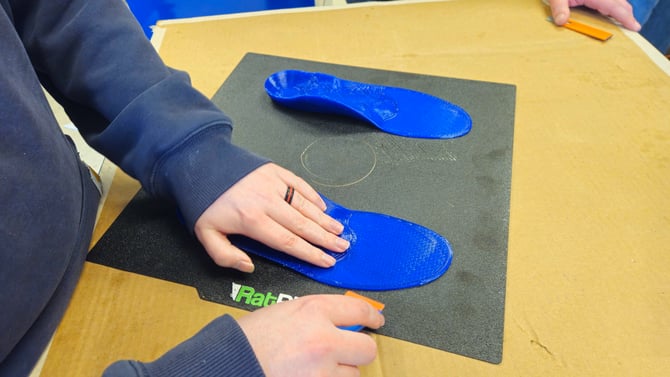 |
| Push | 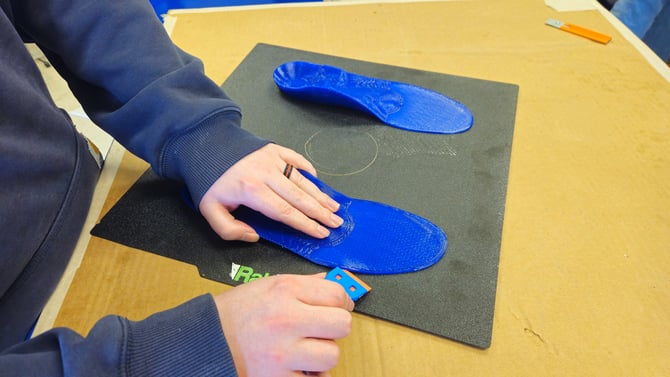 |
| Lift | 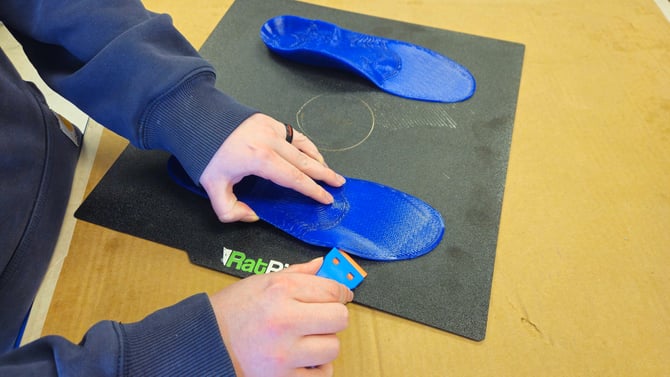 |
| Pull | 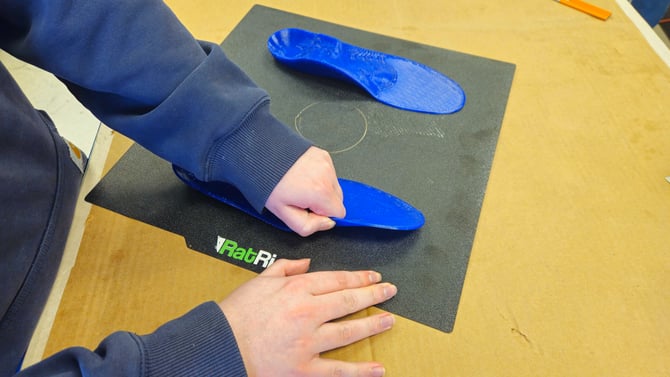 |