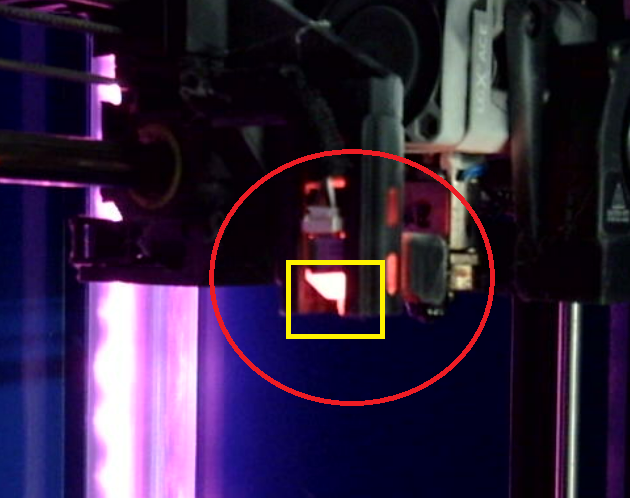
February 3, 2026 Probing Failure What to do When a Print Fails to Probe: Flip the Power Switch on the Front of the Printer to Off Pull BL Touch probe CAREFULLY Flip the Power Switch on the Front of the Printer to On Restart the print Note: Afterwards, Let Prosthetics know if the issue has been resolved or persists