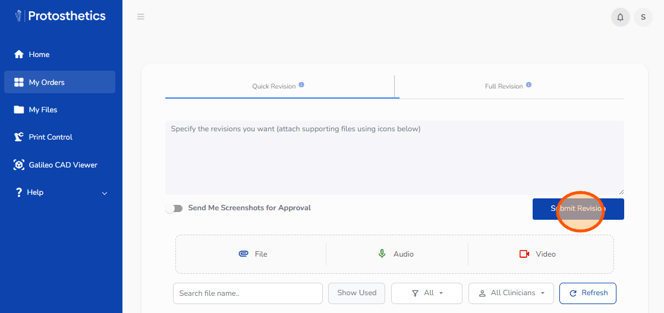
1. Start by logging into your FabOne portal at https://proto.fab.one/
2. Click "My Orders."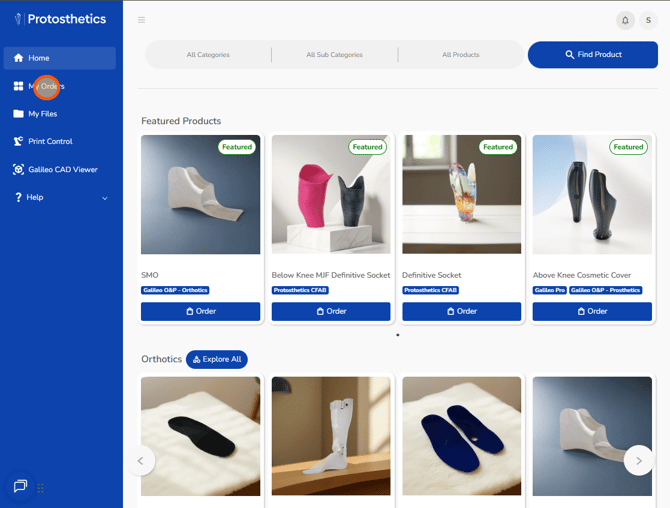
3. Find your desired order and click "Revise."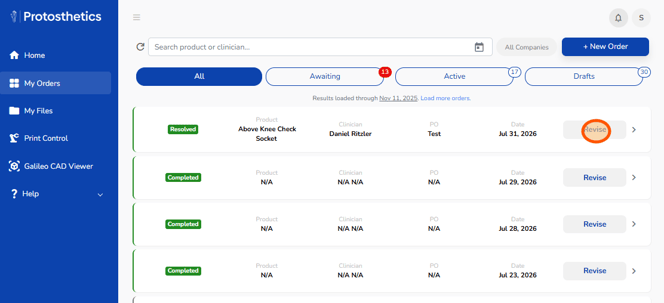
4. Type the revisions you would like into the textbox. Attach any new files. You can include a voice memo or video recording. Toggle on "Send Me Screenshots for Approval" if you would like to review and approve the revision.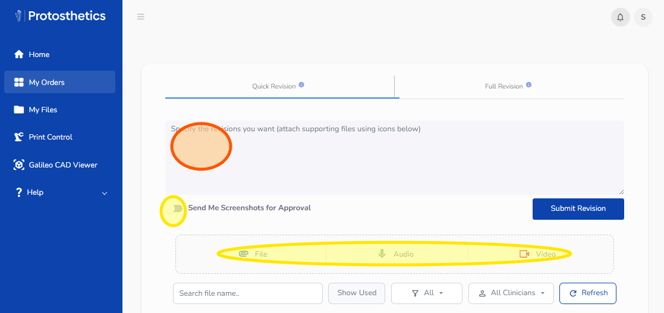
5. Click "Submit Revision" to send the request.