Recurrence
Once every 10 Prints
Purpose
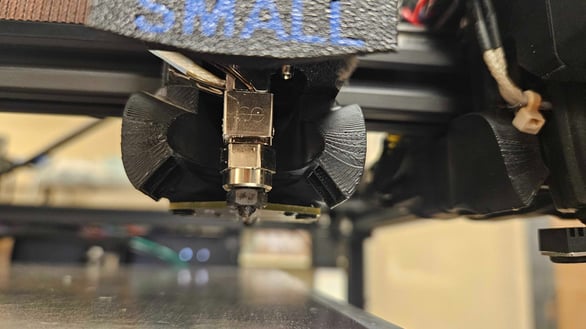
To prevent burnt filament buildup on the nozzle. This buildup can cause poor z-offsets and burnt filament, resulting in fail prints at the start and burn marks in your prints.
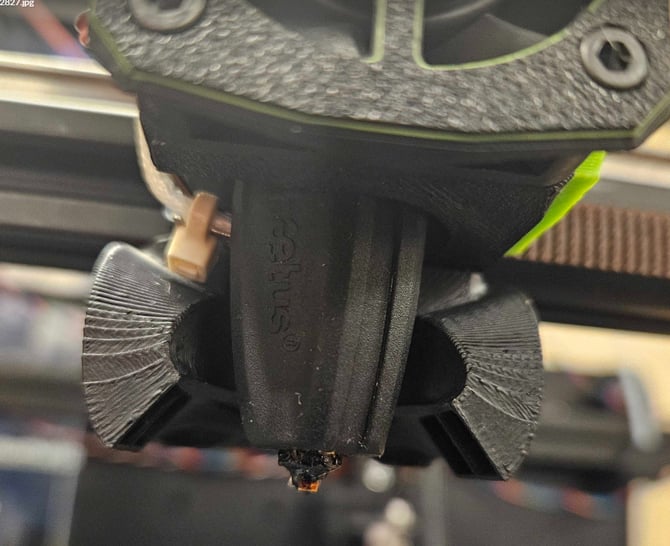
1. Remove the Black Heat Shield from the Nozzle
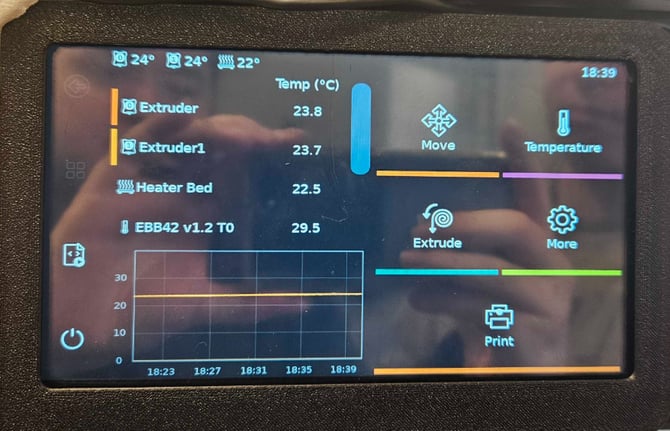
2. Select the Temperature next to the nozzle you're wanting to load filament.
3. Input 290 and select the Check Box
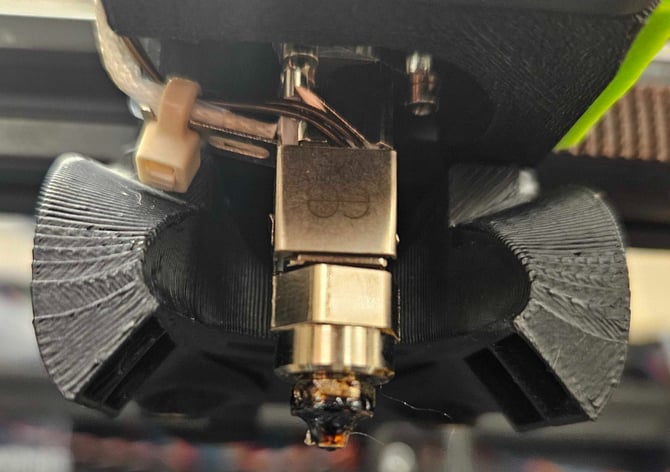
4. Using the Maroon Scrub Pad, clean the nozzle until the caked filament has been cleaned off.
-
Note: You may not be able remove 100% of the hardened scale, but the important thing is to keep the soft plastic off of these surfaces to prevent the hard buildup.
5. After cleaning the nozzle, re-attach the Heat Shield and Select the Temperature next to the nozzle you selected before
6. Input 0 and select the Check Box to cooldown the nozzle