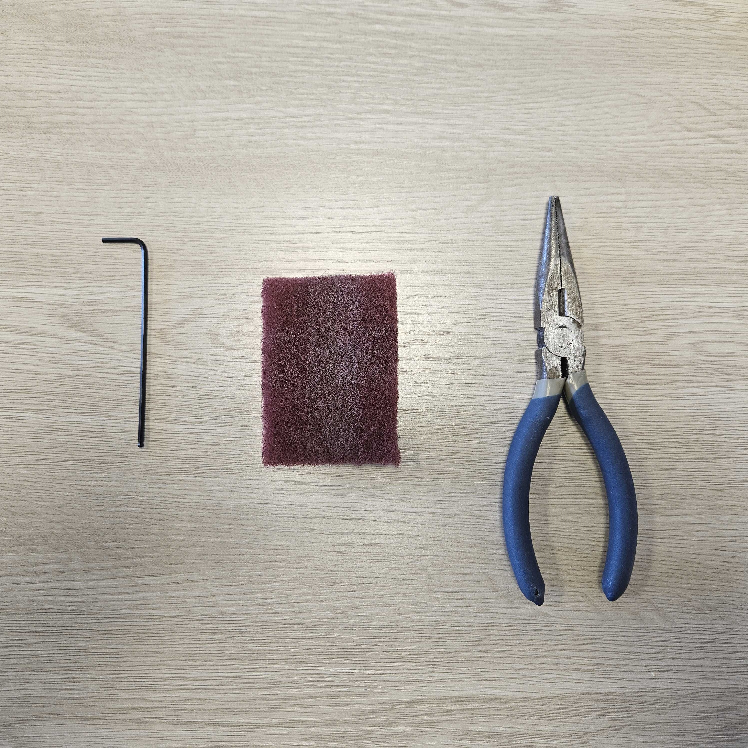
Before we get started, you'll need the following supplies:
- A 2mm Hex Key - located in the Kiosk Drawer, see the green pouch
- A Red Scrub Pad
- A pair of needle nose pliers
Step 1: Removing and cleaning the Heat Shield
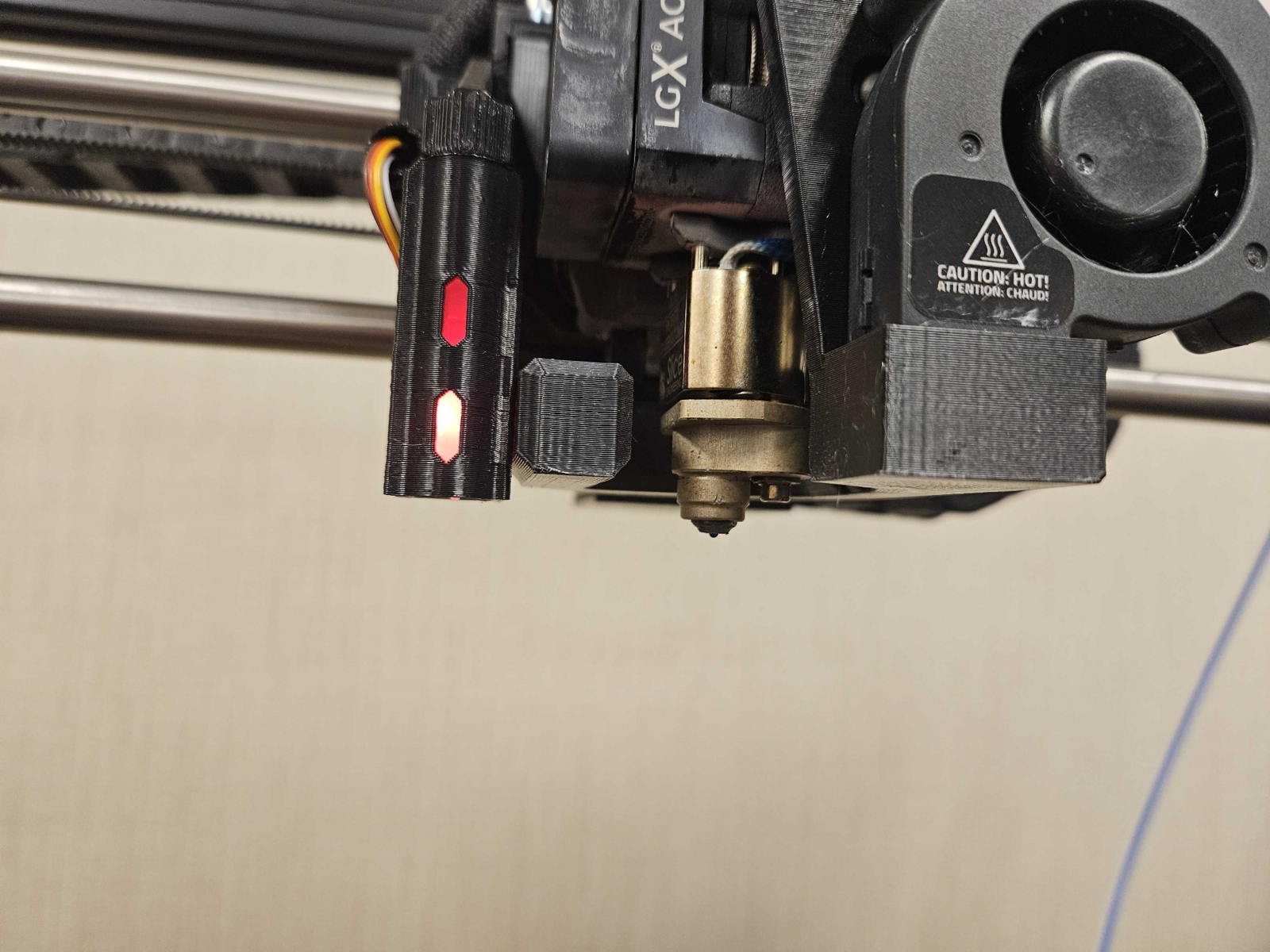
1. Start by heating the toolhead to 220°C and wait for the nozzle to heat up. Use the Change Filament Screen
2. Using the Pliers and the Hex Key, remove the Heat Shield from the Toolhead.
Note: Be Careful, the Heat Shield will be hot to the touch, even after removing it from the toolhead. Do not attempt to pull on the Hex Screw, the Heat Shield will politely come off.
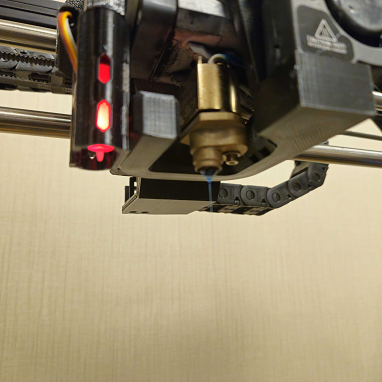
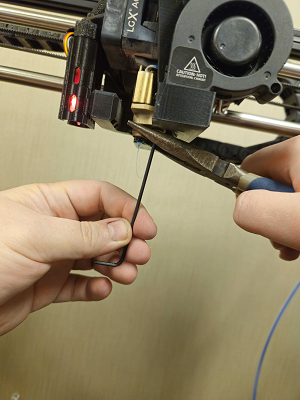
3. After the Heat shield is removed, keep holding onto the heat shield and clean it using the red scrub pad
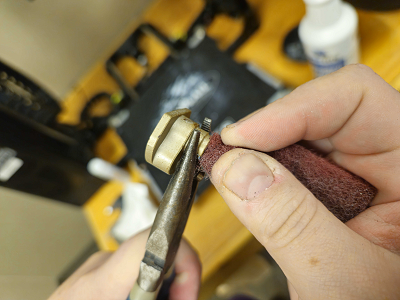
Note: With the Heat Shield cleaned, set it off to the side
Step 2: Cleaning the Nozzle and Reattach the Heat Shield
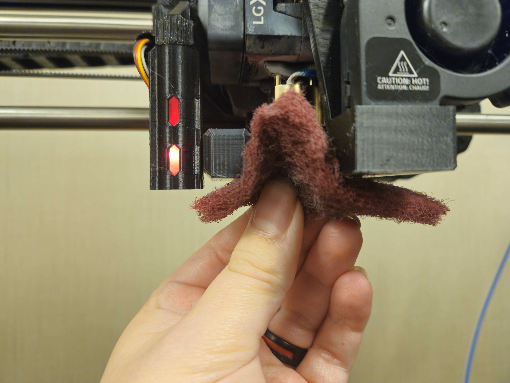
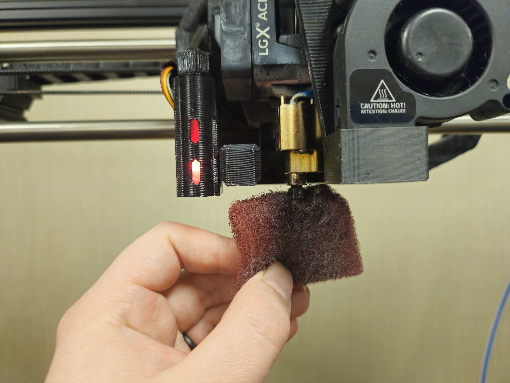
1. Using the Red Scrub Pad, scrub the nozzle as shown below until the nozzle is clean.
Note: Don't worry about unscrewing the Nozzle because it's screwed in very tight. Be careful when scrubbing because it's Hot.
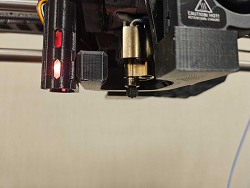
2. Using the Pliers and Hex Key, reattach the Heat Shield