
- There is a panel underneath your bed that holds the belt together. That panel needs to be tightened as it can cause print shifting.
Note: Turn off the Printer before you begin
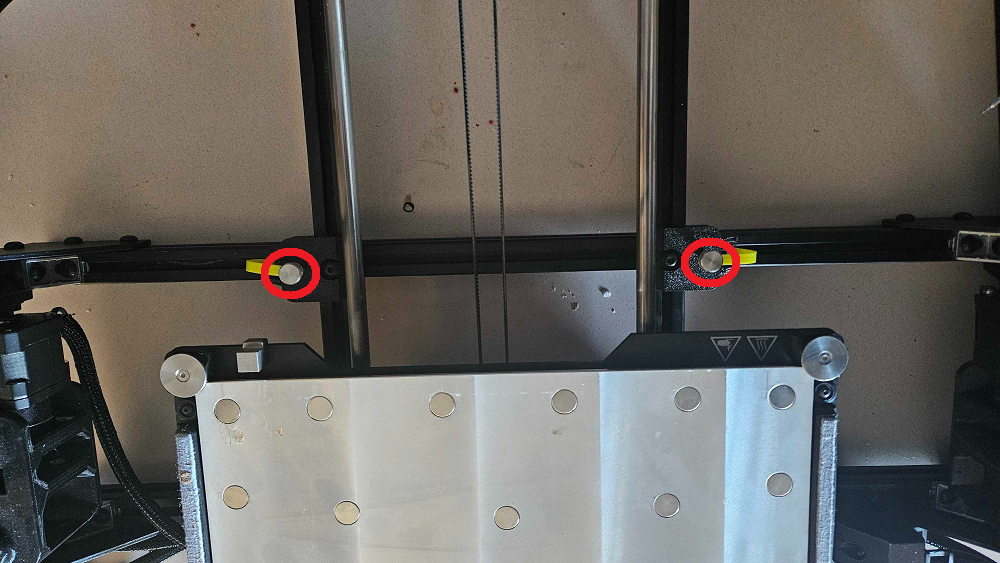
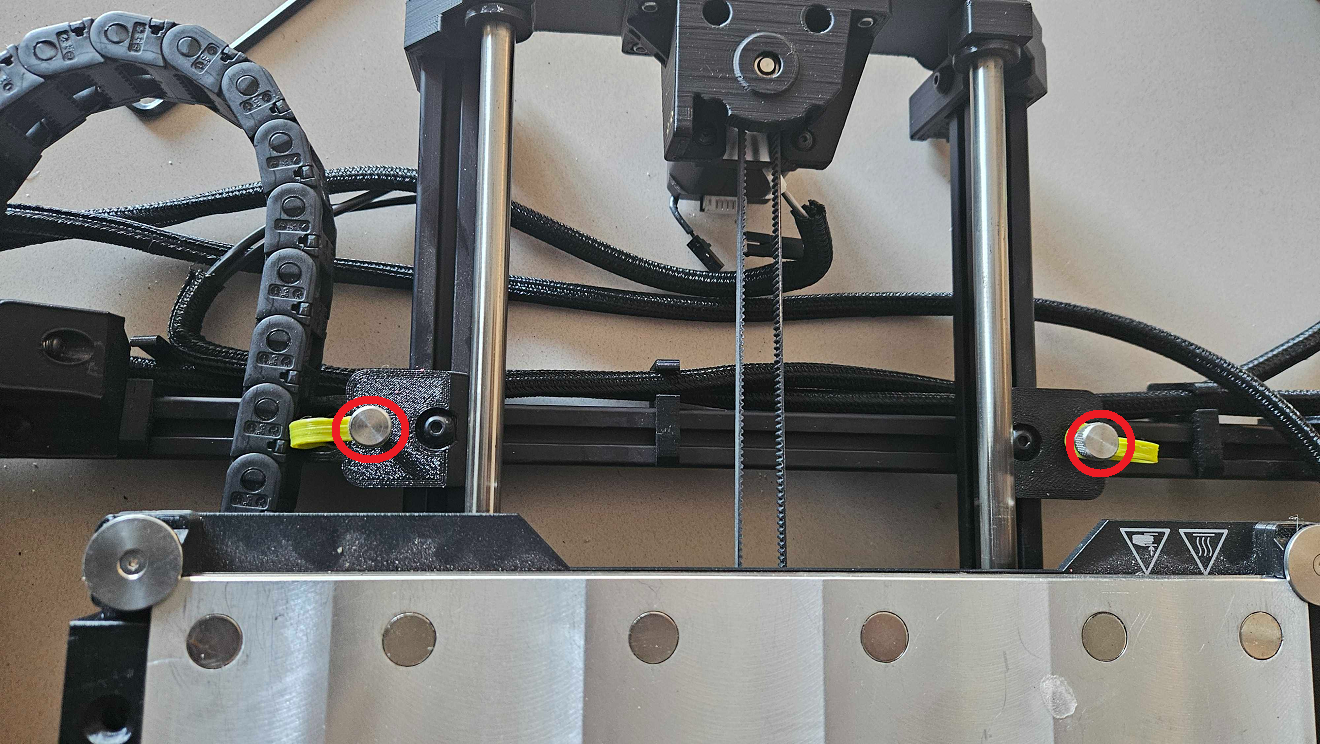
1. To start, Remove the 4 thumb screws holding the bed down so you can access underneath the bed. One of them is circled in red.
 |
 |
2. On the Panel underneath the bed, tighten the two screws that keep the panel attached to the bed. A little tightening will go a long way.
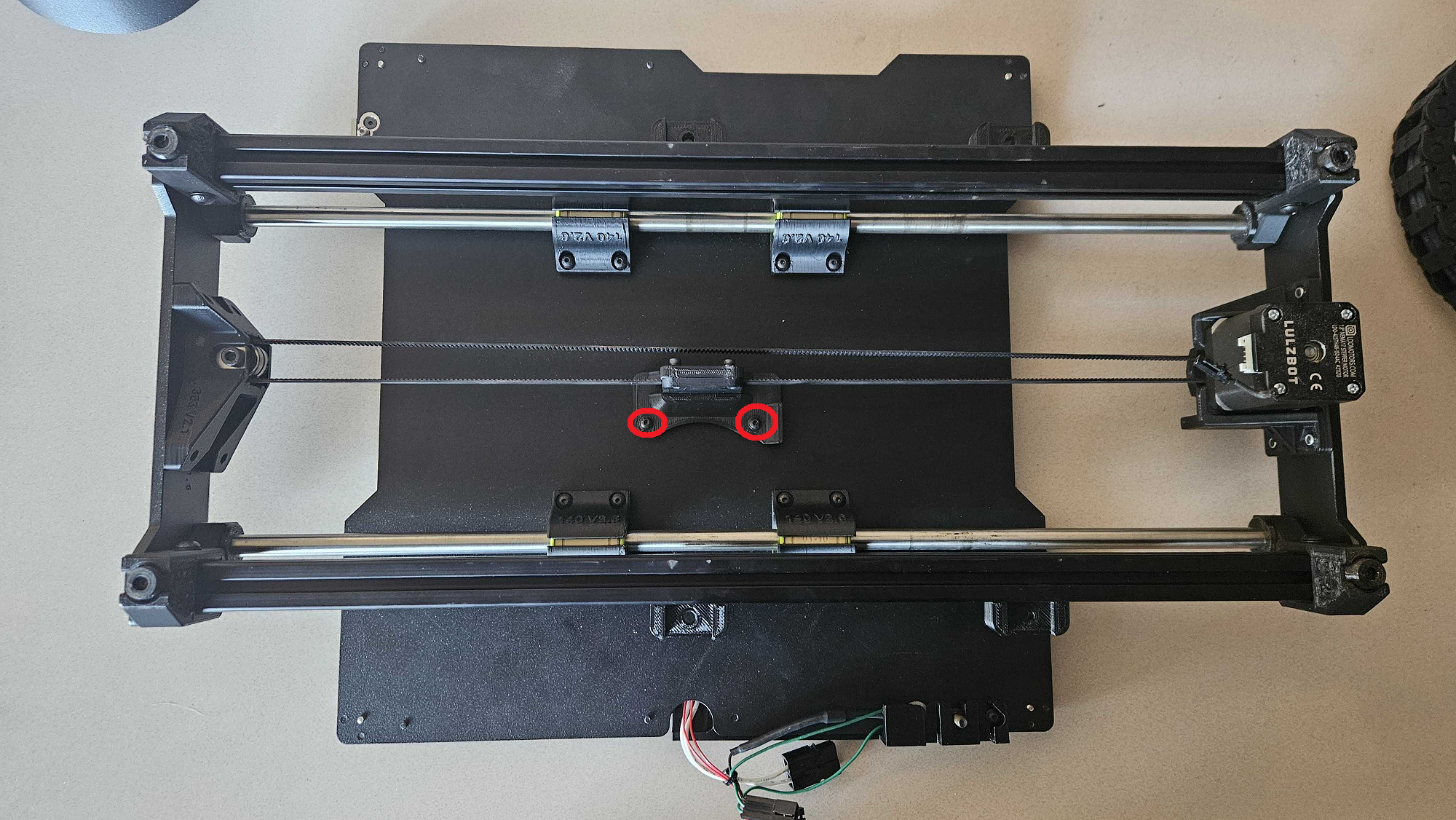
3. Reattach the bed and start the Y-Motor Z-Offset test print in your "Off the Shelf" section of Print Control. Let us know how the new print went with a picture.