
BK/AK Sockets
We accept a variety of scans for prosthetics sockets (Above and Below Knee).
-
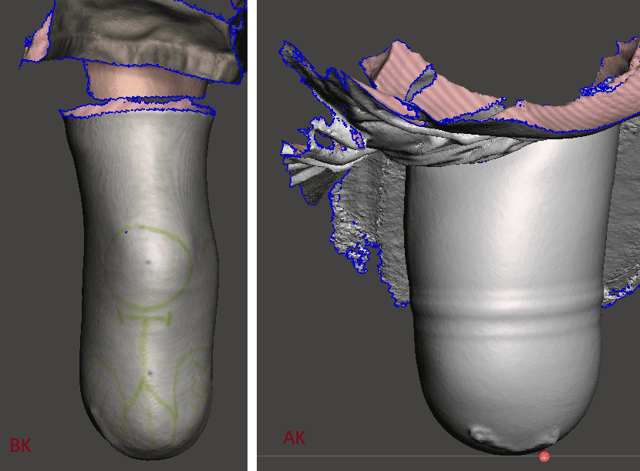
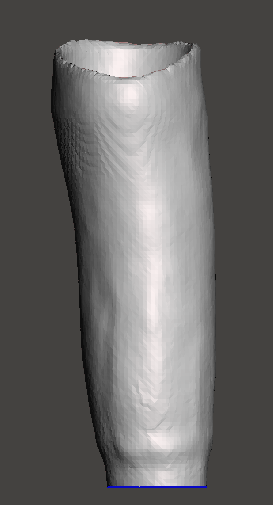
Liner: A cast of the patient's limb in their liner. If taken in color, you can draw trimlines or modifications on the scan surface. A thin casting sock helps with this.
-
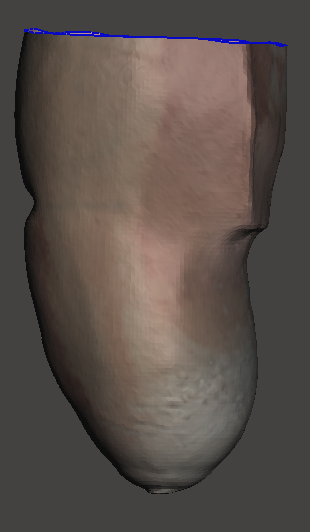
Modified Plaster Positive: A plaster positive model that has been filled from a cast or previous socket that you have modified. This selection tells us not to add your profile modifications to the scan.
-
Unmodified Plaster Positive: A plaster positive model that you haven’t made modifications to. If you poured a cast and stripped it but didn't add builds ups, this is what you want to pick. This selection indicates to us that you wish to have us add your profile modifications to the scan.
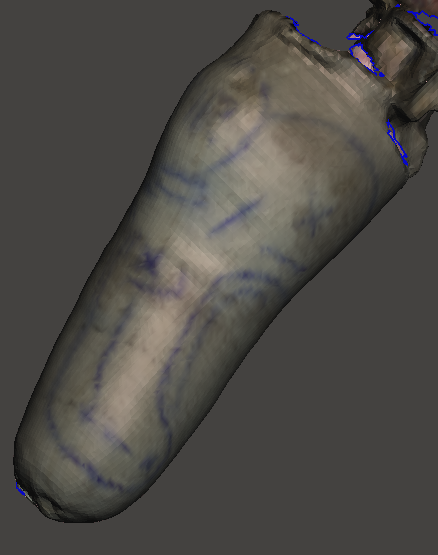
- Cast: A Scan of the inside of a Plaster or fiberglass cast.
-
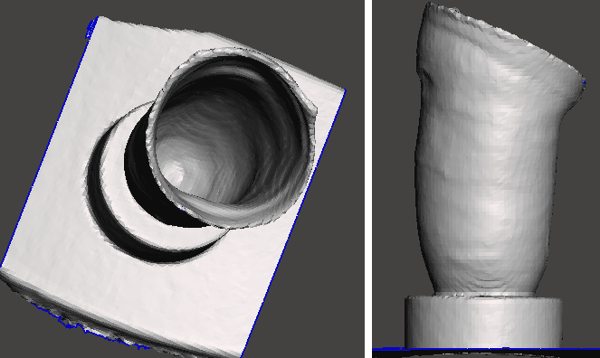
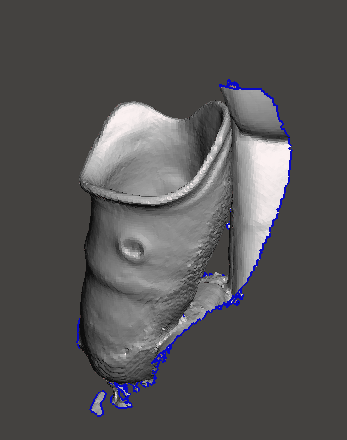
Existing Socket: The scan of the inside of an existing patient socket. This is useful for when you need to increase or decrease the ply of a previous socket and can get a good scan of it’s inner surface.
-
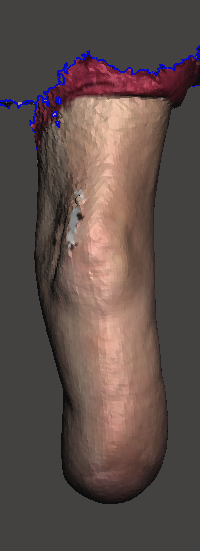
Residual Limb: A scan of a patient's limb without a liner. Usually used for skin fit sockets or custom liners.
-
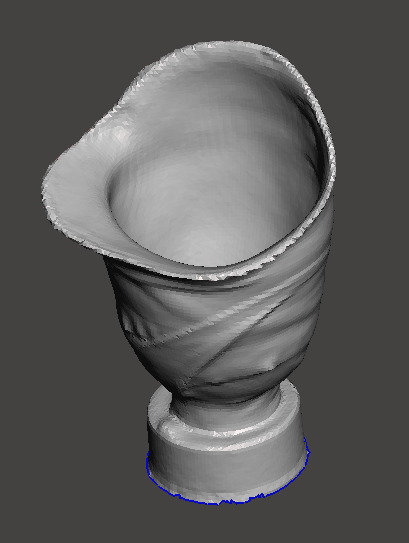
Check Socket: The scan of the inside of a check socket. These are harder to take a good scan of since they’re clear. If you’re having trouble due to the the clear plastic, we recommend either using a scanning spray like AE Sub, coating the inside with baby powder, or spray painting the inside with a matte color that's not black. Green and blue tend to work best.
-
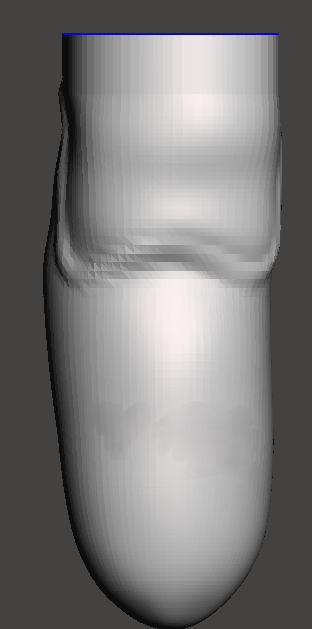
Modified CAD: An AOP, STL, or OBJ file of a socket you’ve modified digitally. We’ll add the lock to it as necessary and get it ready to print!
- Symphonie Cast: A scan of the inside of a plaster or fiberglass cast taken via the Symphonie system. This casting system usually elongates the limb, so we will collaborate with you on what specific modifications might be needed.
-
AK/BK By Measurement: Select this if you don’t have a scan and are only able to provide measurements.
Cosmetic Covers
While we recommend a scan of the prosthetic and sound side of a patient for the most accurate cover, we can use one or the other to attain the alignment or shape.
-
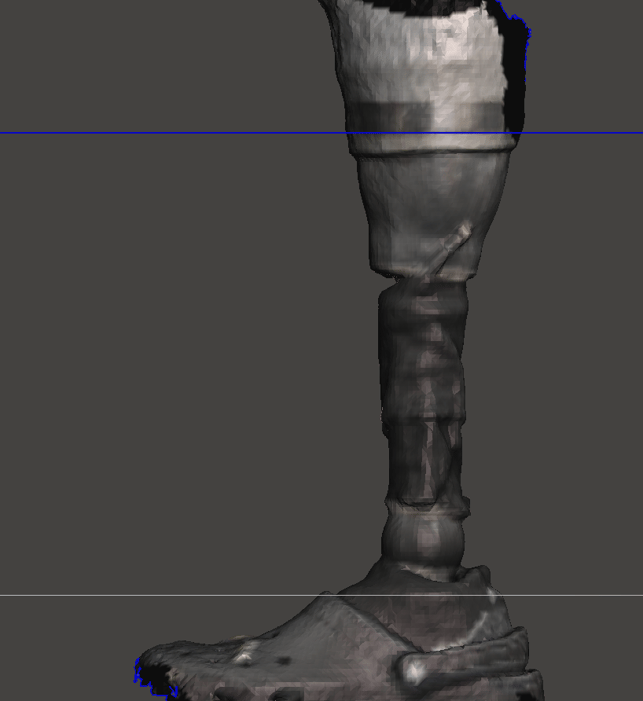
Scan of Prosthesis: If you are having trouble scanning a black carbon socket or pylon, we recommend momentarily dulling the shine with baby powder. A thin nylon tightened to the socket so that it conforms well with rubber bands can also help. A scan of the prosthesis is required to accurately add a pylon support cone.
-
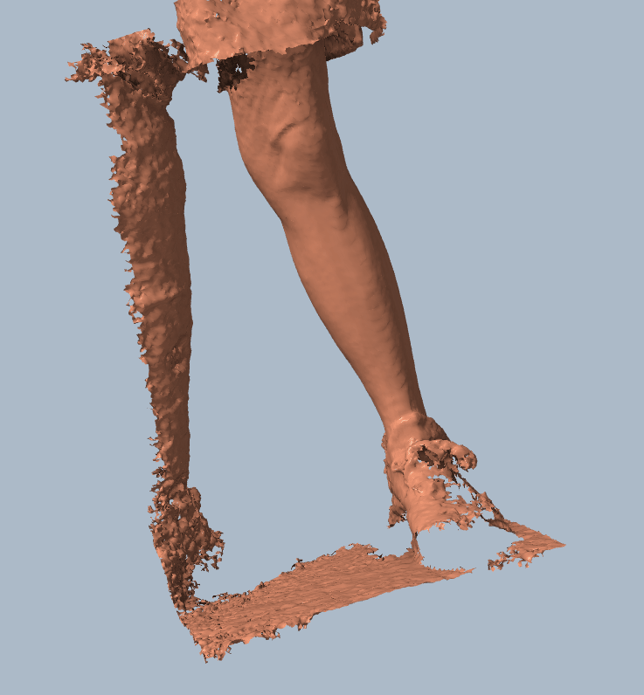
Scan of Sound limb: We use a scan of the sound limb to match the cover closer to the patient’s sound limb shape.
Foot Orthotics:
-
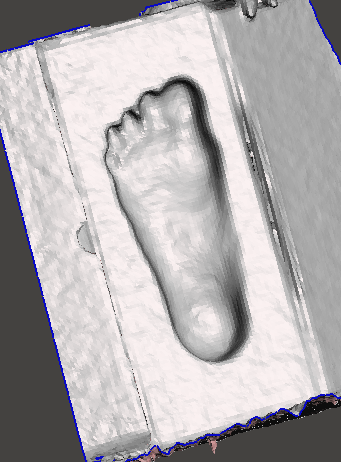
Foam Box: A scan of a foam box impression.
-
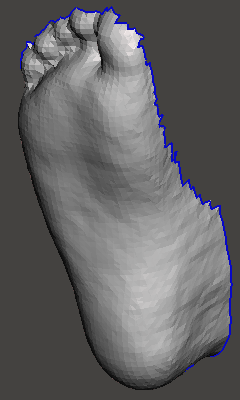
Foot: A scan of the patients foot or the inside of a slipper cast.
Articulated AFO/SMO:
-
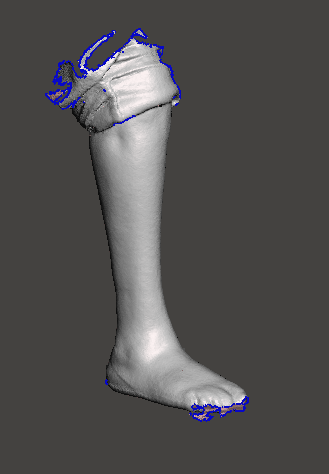
Limb: A scan of a patients limb. The closer to subtalar neutral you can have the patient hold themselves, the better.
-
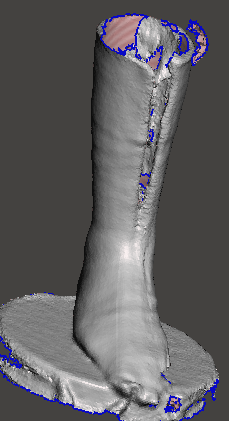
Cast: The outside of a fiberglass or plaster cast. We recommend good measurements of the patient's limb so that we can reduce the cast to the patient's size.
-
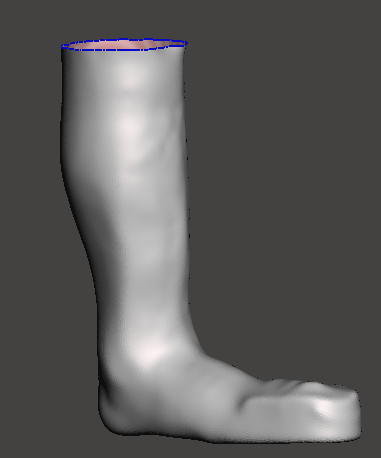
Plaster Positive: A filled plaster model of the patients limb.
By Measurements: Select this if you don’t have a scan and are only able to provide measurements.