
Skip to content
English
  • There are no suggestions because the search field is empty.

Upload Pictures through FabOne

When we need pictures sent to support tickets and you aren't able to send them through email, here is how to send them through FabOne

1. Go to FabOne and login

2. Select the Chat Icon at the Bottom Left of the Screen
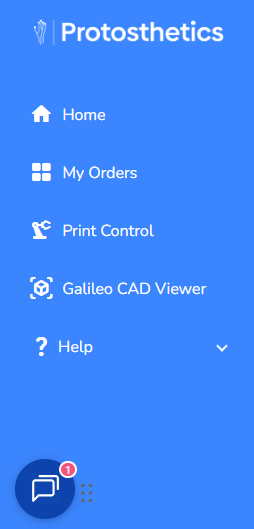
Untitled


3. Select the Paperclip located at the bottom of the chat window
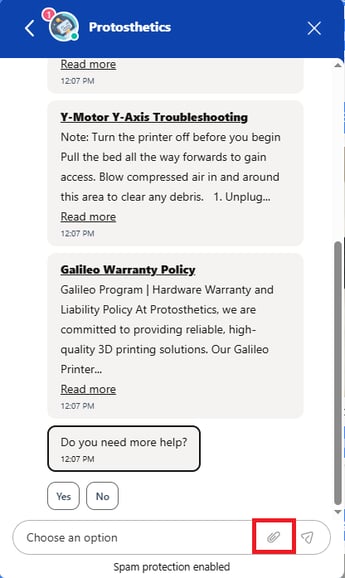
Untitled-1

 
4. After you upload the photo, add some context for the photo and we'll add those details to the support ticket.
 
If you have any questions, please let us know through the chat.