
Needed Tools:
- M4 Hex Key
- Replacement Camera provided from Protosthetics
Replacing the Webcam
1. Identify the webcam on the inside of the kiosk. Underneath is a screw on the left and right sides of the Webcam. Unscrew and remove the Webcam: Note there's a USB Connection that also needs to be unplugged
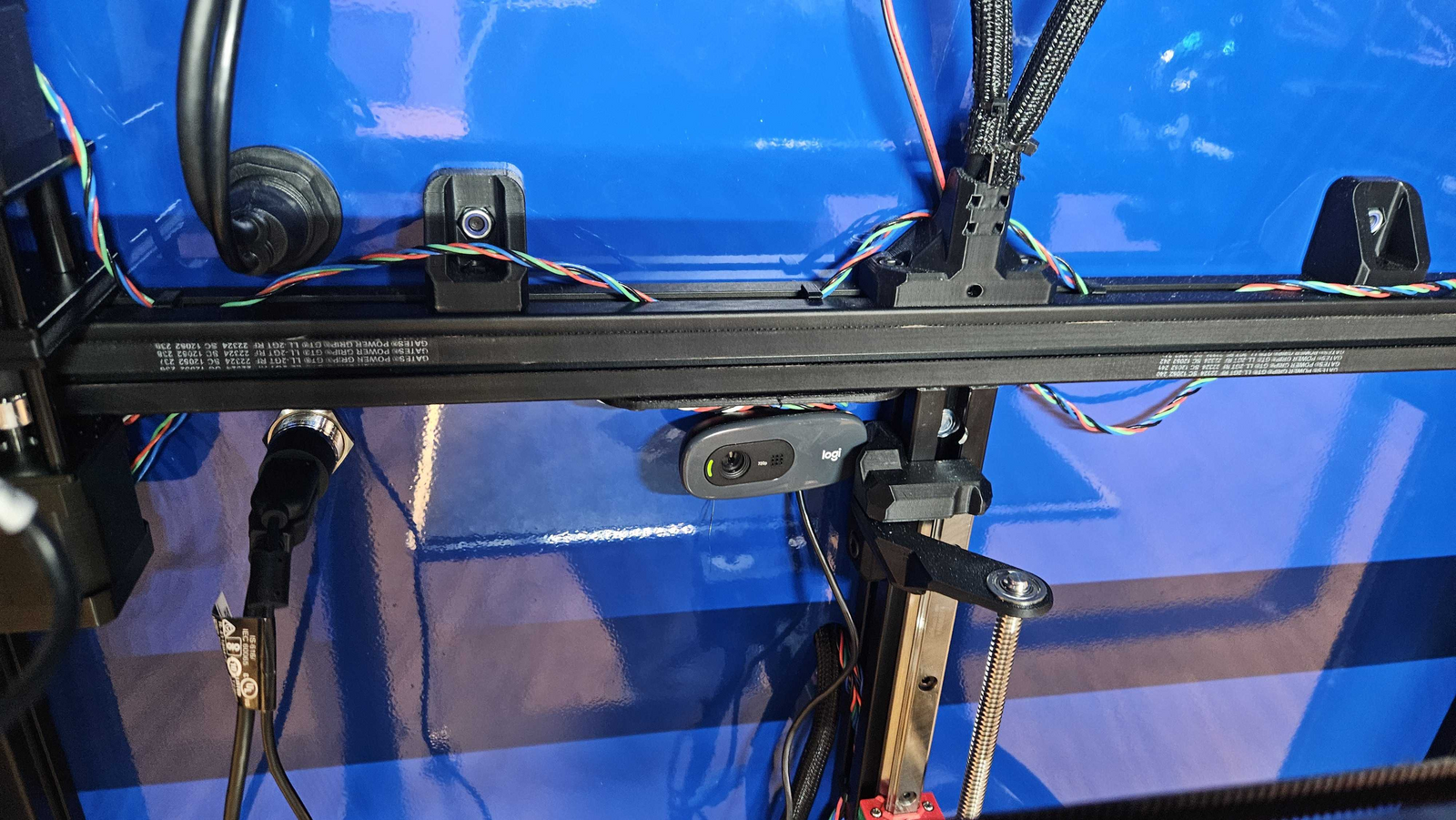
Note: Be careful of the wires in the way. There shouldn't be any cables preventing you from pulling the old camera out. The mount directly disconnects.
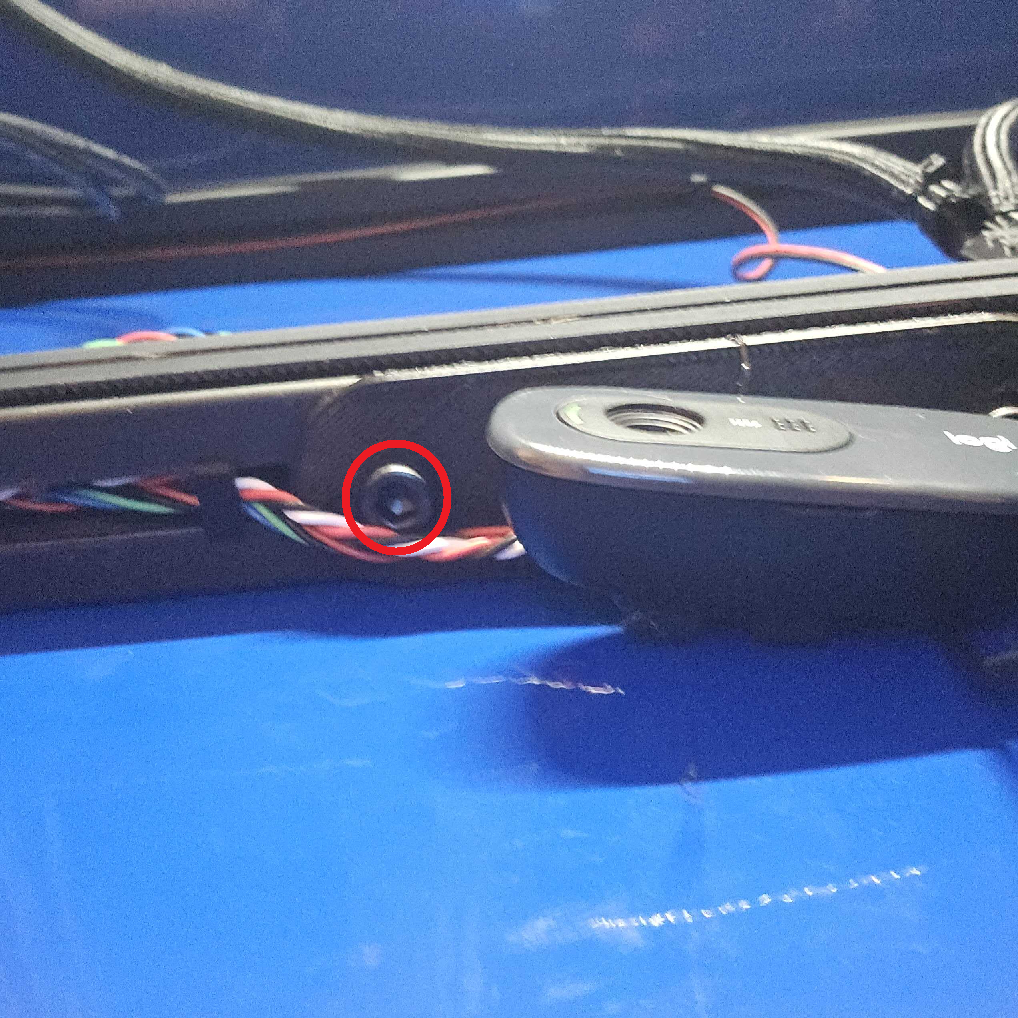
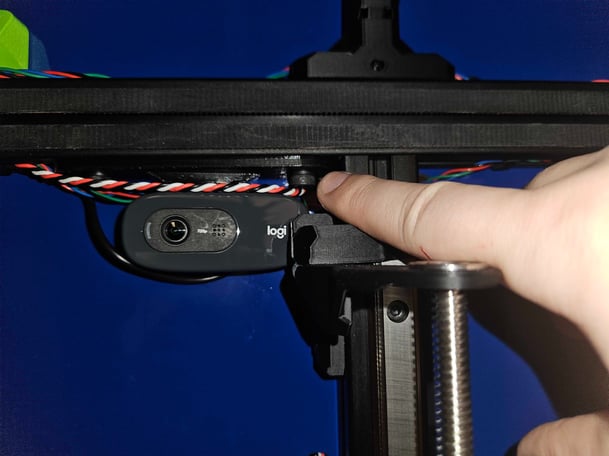
2. After removing the old camera, install the replacement camera using the same screw on the left and right sides. Note the USB Connection as well.
Do not overly tighten these screws. Finger tight is fine.