Print Control is the section in FabOne where you will be able to manage your 3D Printer.
Click "Print Control" on the left-hand side. Then, you'll see these options:
Printer Status
This shows you the name of your printer, if it's online, and what you are currently printing.
- You can turn the lights on/off, pause, or cancel your print.
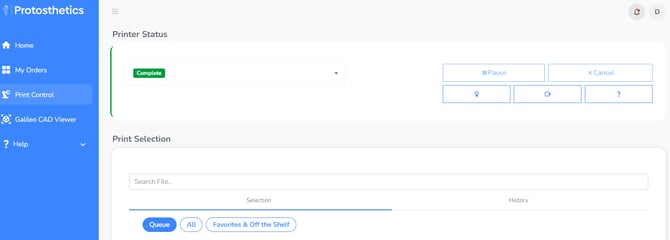
Print Selection.
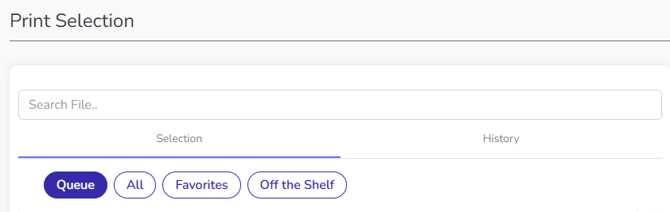
This is where you will see all your printable files. Notice the four tabs under print selection.
- Print queue: This is where you'll find all your unprinted files. They will disappear from your queue when you print them.
- All: All your printed files are moved to the "All" section. If you want to re-print a file, select the file and start the print as you normally would.
- Favorites: Click the star to add a file to your favorites for easy access.
- Off the shelf : This is where you will find all the ready-to-go products that we that you can print without having to submit an order.
Note: Print Files remain in Print Control for 1 Year after January of 2026. To reprint an older file, let us know and we'll resend the file.
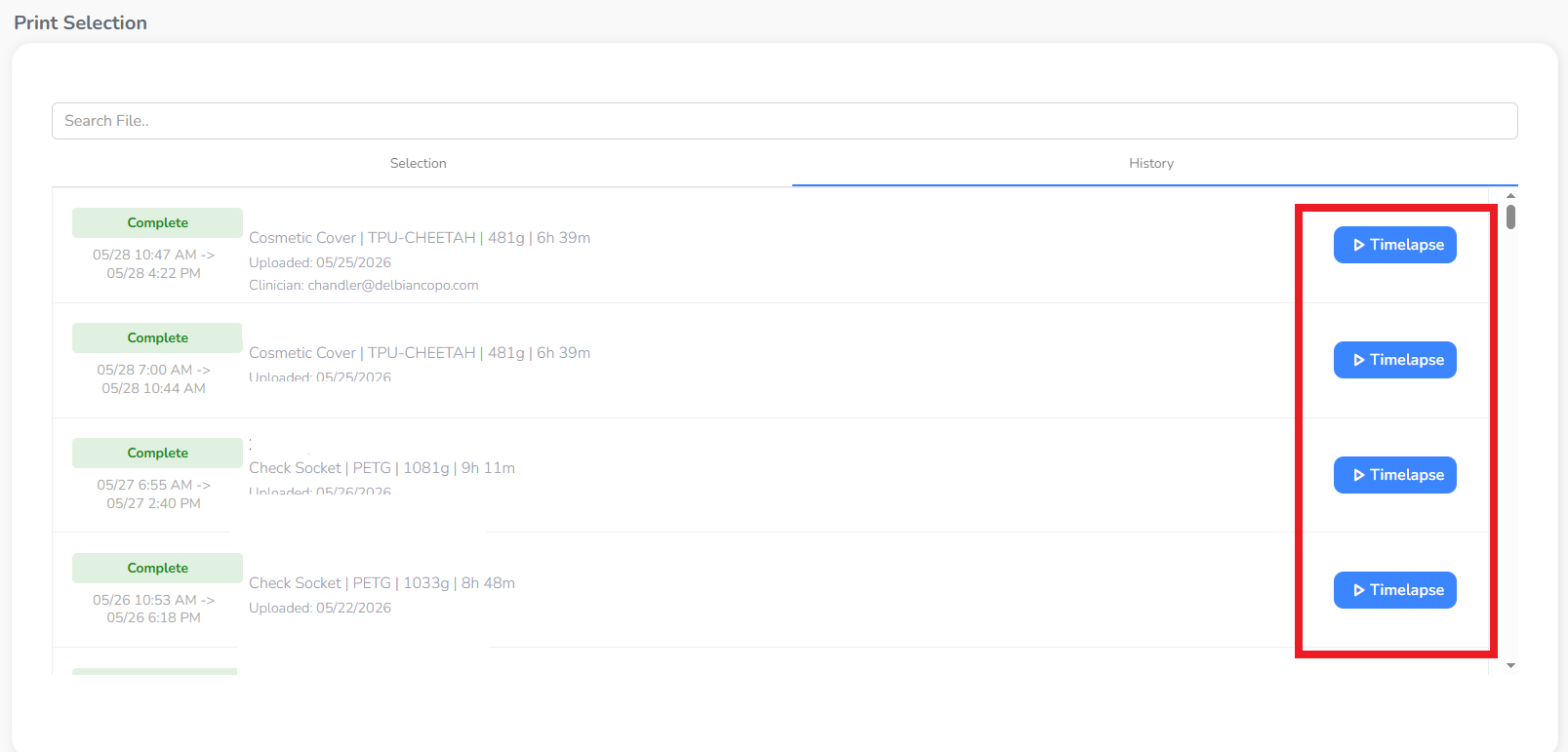
Print History
- Easily see which files have already printed to the left of the print name
- Click the “History” tab to see a what order your prints printed in and when they finished
- See Timelapses of your prints