If you haven't printed a file yet, start the print through the following guide:
Starting Prints in FabOne through Print Control
If you're reprinting a previous file, you can follow the process below:
If the front screen is not on, unplug the power from the printer, then plug the power back in after 10 seconds.
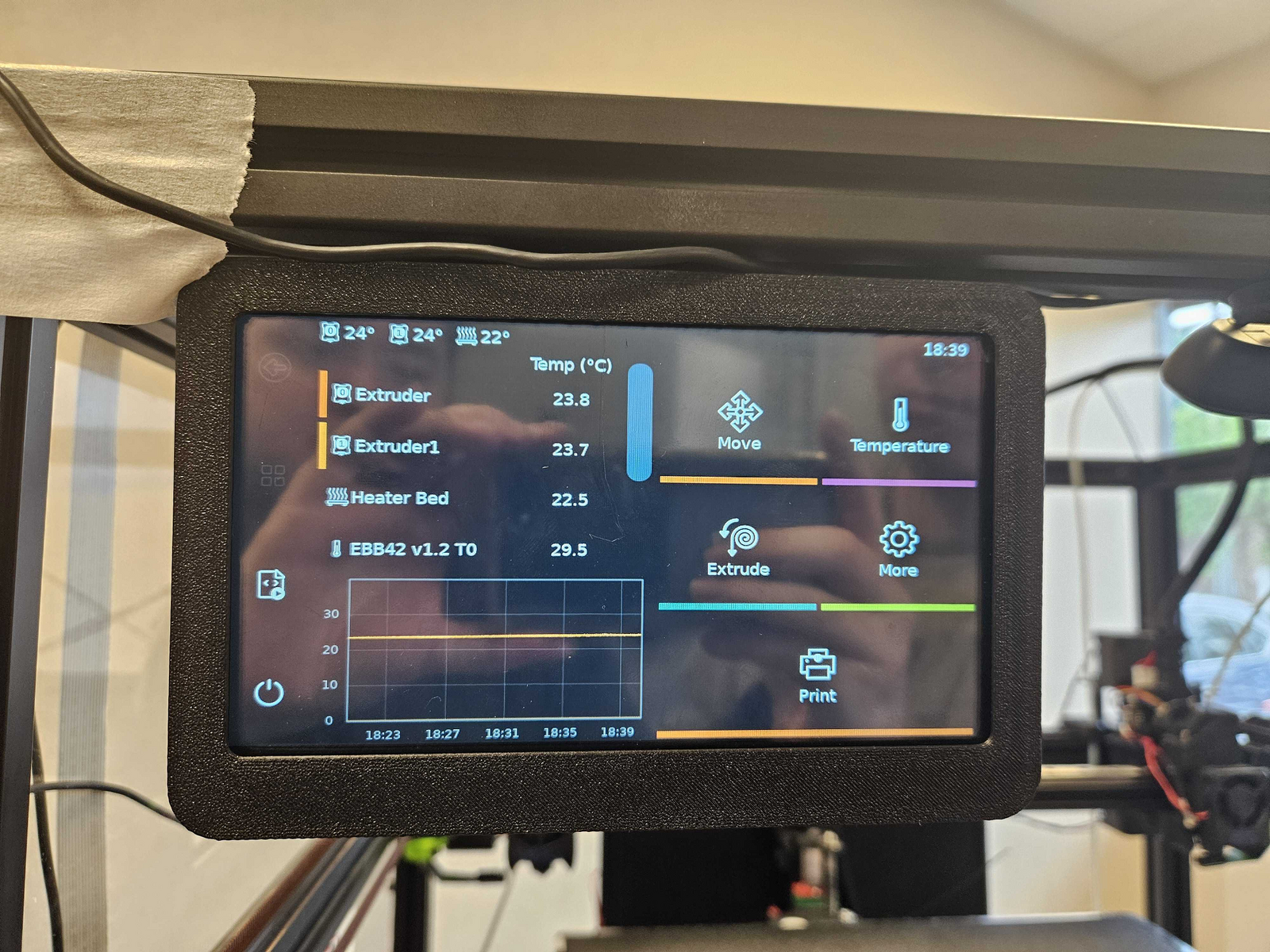
1. Utilizing the Screen on the front facing terminal, select the Print icon:
2. Select the print you'd like to start, See the Purple filter by Date option to see your latest prints:
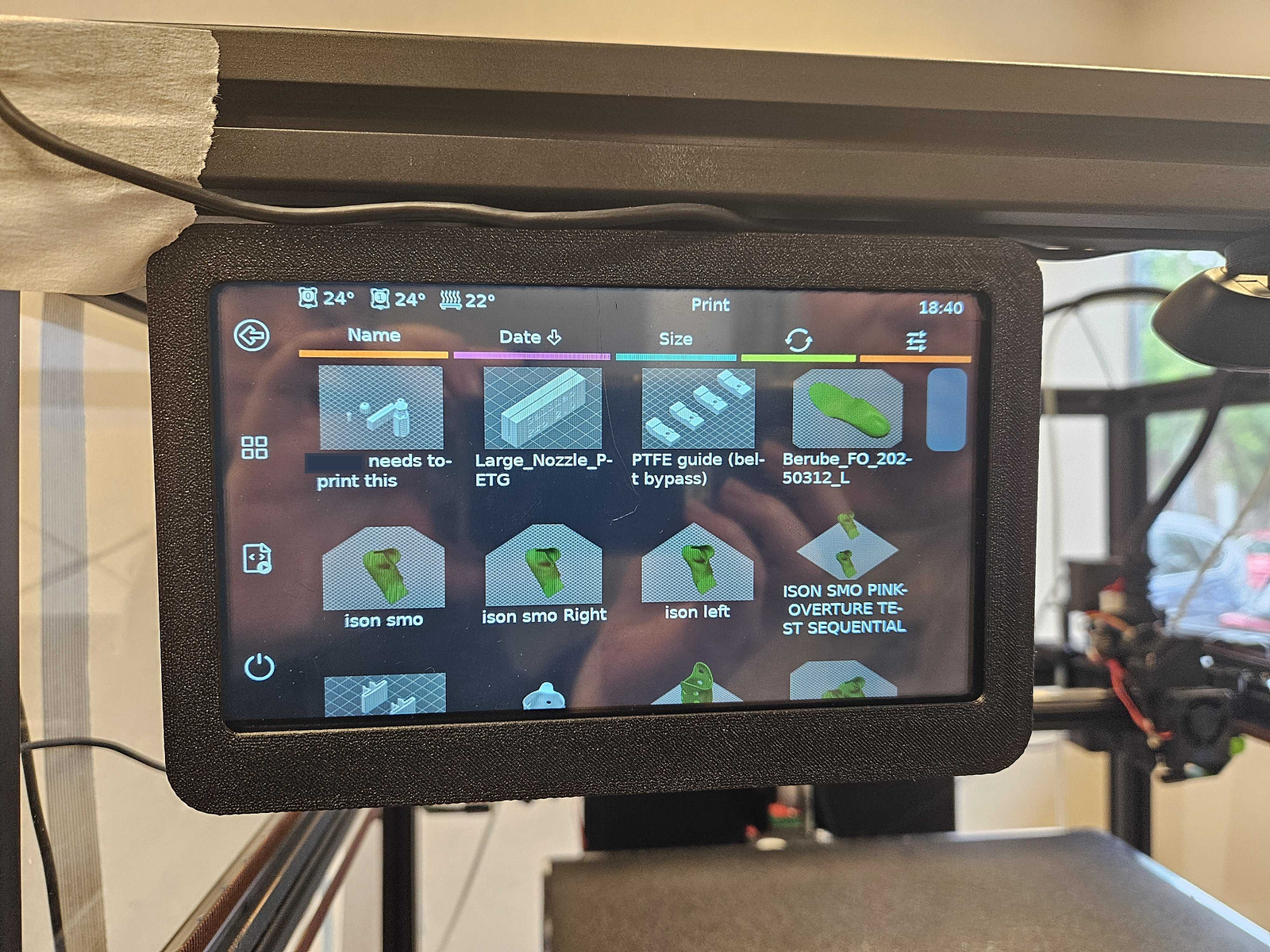
Note: If you haven't started the print from FabOne, they will not be on this screen. Start the print as you normally would on FabOne first before attempting to start your print here.
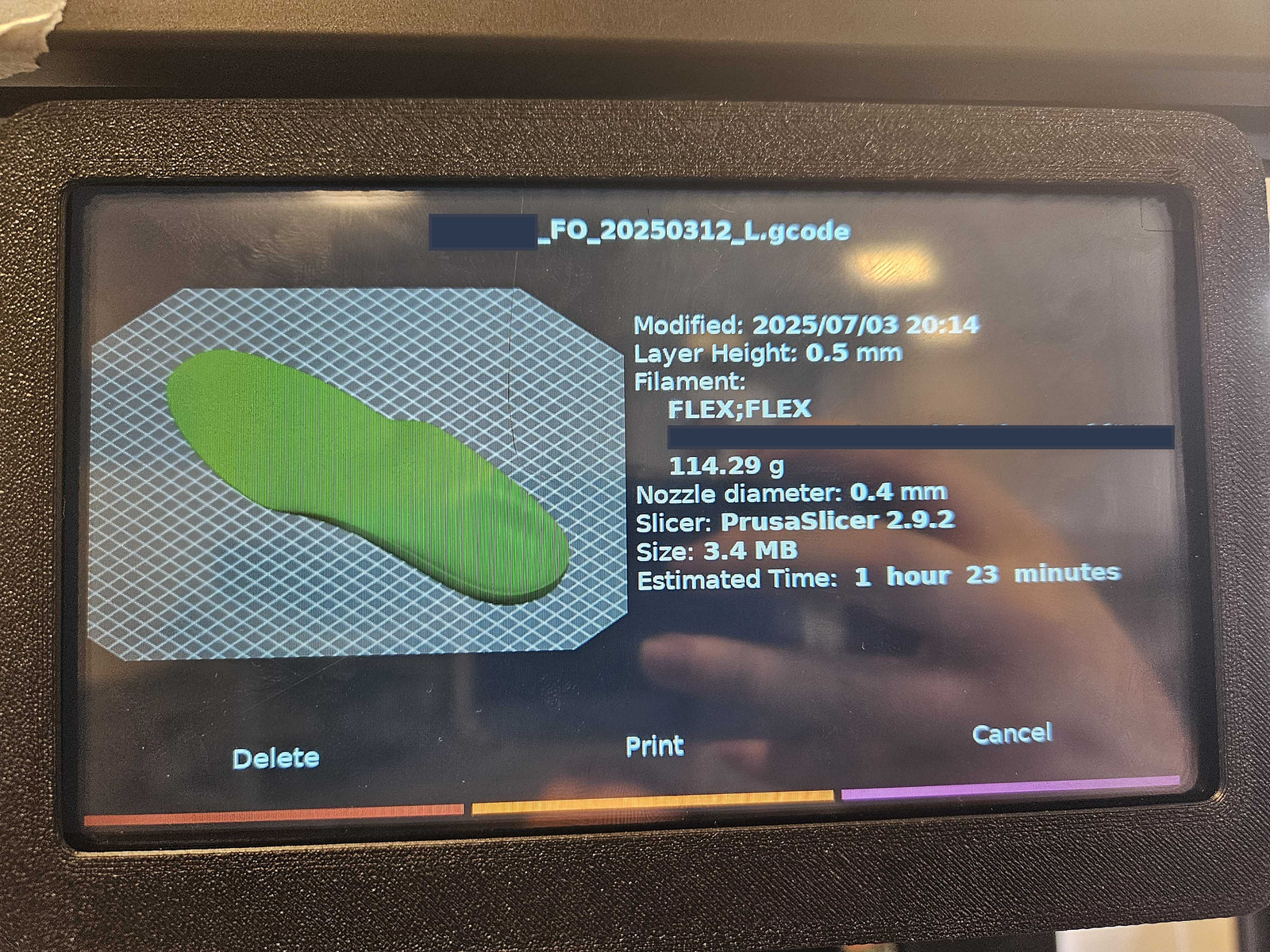
3. After selecting your desired print, you'll be able to start the print by selecting the Print Button: