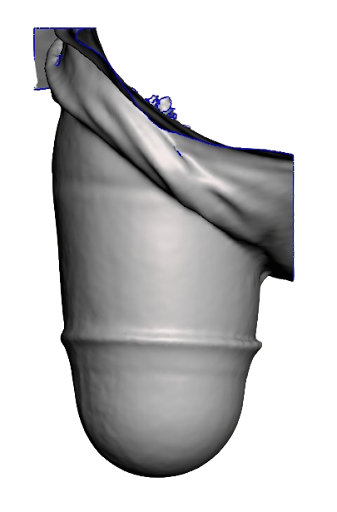
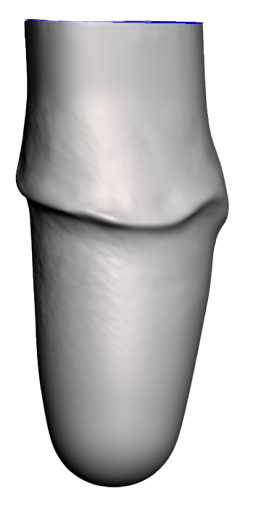
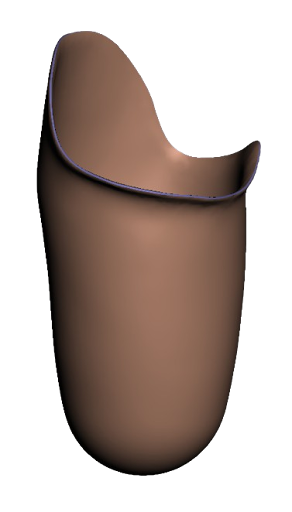
Don't have a scan? No worries! We accept and encourage sending AK by Measurements, no scan required!
How to Order
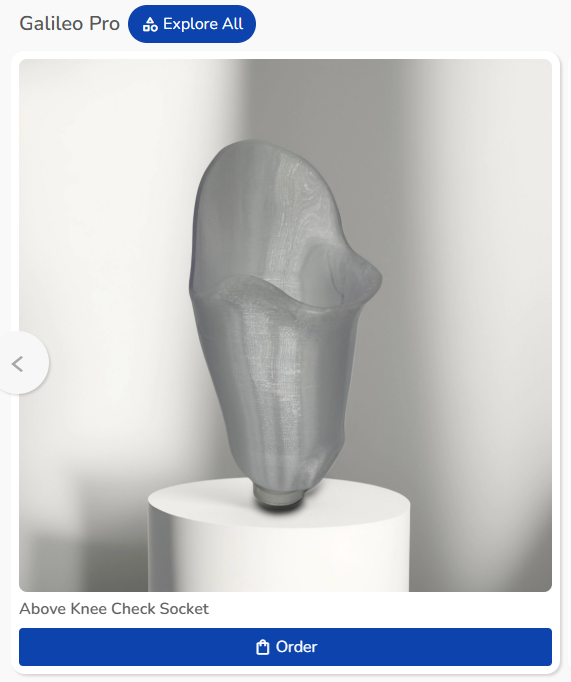
- Click "Order" under the Above Knee Check Socket in FabOne.
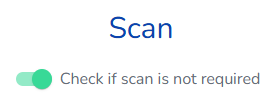
- Toggle the box for "Check if scan is not required" so you can proceed to the order form without one.
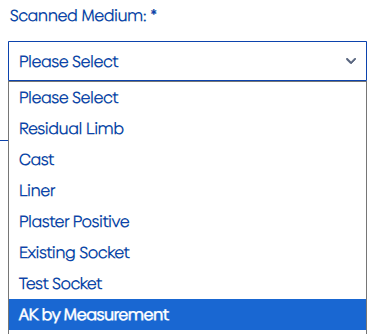
- On the order form, choose "AK by Measurement" as your Scanned Medium.
|
|
|
|
AK Measurements
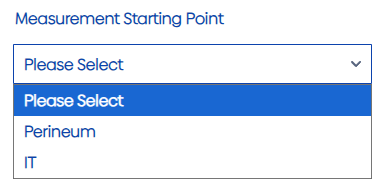
- Choose your measurement starting point: You can start taking measurements from perineum or IT.
- Provide your length measurement: This should be from your starting point to distal end straight axially.
- Share the ML & AP: These are just for reference, so if you don't have them, you can insert "0" to skip those measurements
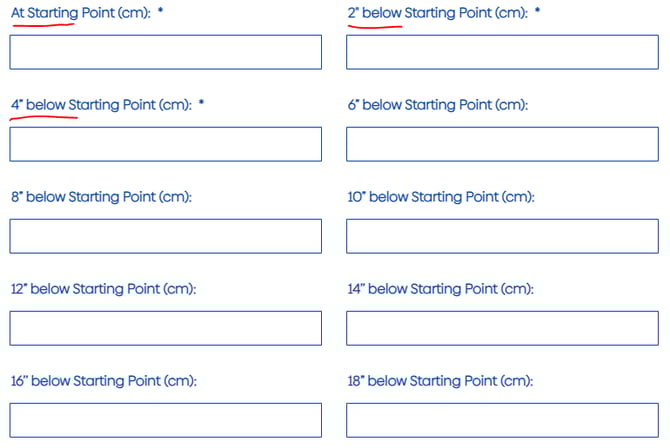
- Required circumferences: We need a circumference at your starting point, 2" below, and 4" below.
- Provide any other measurements you have
|
|
|
Include AP & ML for Reference](https://storage.crisp.chat/users/helpdesk/website/-/b/b/6/1/bb61eef0a8622800/image_udqsto.png) |
|

Scan and Merge
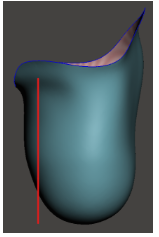
If you'd like to include a scan, you certainly can! Check the box "Merge Scan with Measurements" if you'd like us to set your scan to your measurements. We only need a scan of the distal portion in this case.
Note: Use Scan & Merge if you have a patient with a fatty or unique distal end. This will help preserve the shape while also setting it to your measurements.
|
|
|
|